Step:1- Insert OS Bootable Pendrive, Power On your Computer, then Press F12


Step:12- Select Start

The progress starting..... 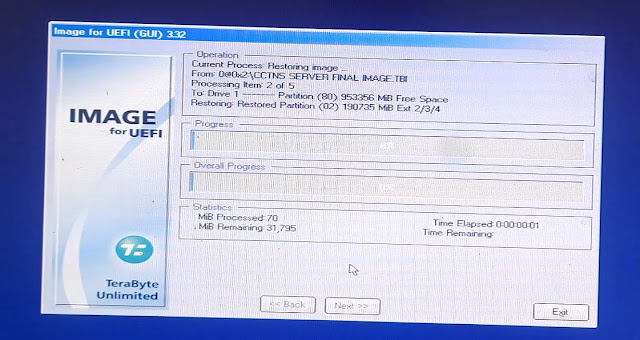


 now open a new terminal (CTRL+ALT+T) Method 1

sudo apt-get update

sudo apt-get install gscan2pdf


if Method 1 is not working try Method 2


Method 2

sudo apt-add-repository ppa:jeffreyratcliffe/ppa

sudo apt update

sudo apt install gscan2pdf
Step:1-
உங்களுடைய காவல் நிலைய CCTNS Mail ல் WebVPN Mail வந்திருப்பின் அந்த Mail ID யே Webvpn ன் User Name ஆகும்.

Step:2-
Mobile Number க்கு Password வந்திருப்பதை Note செய்து கொள்ளவும்.

Step:3-
https://saccess.nic.in/ என்ற url க்கு சென்று மேற்கண்ட User Name மற்றும் Password யை Enter செய்யவும்.

Step:4-
OTP Enter செய்து Sign in செய்து காெள்ளவும்.

Step:5-
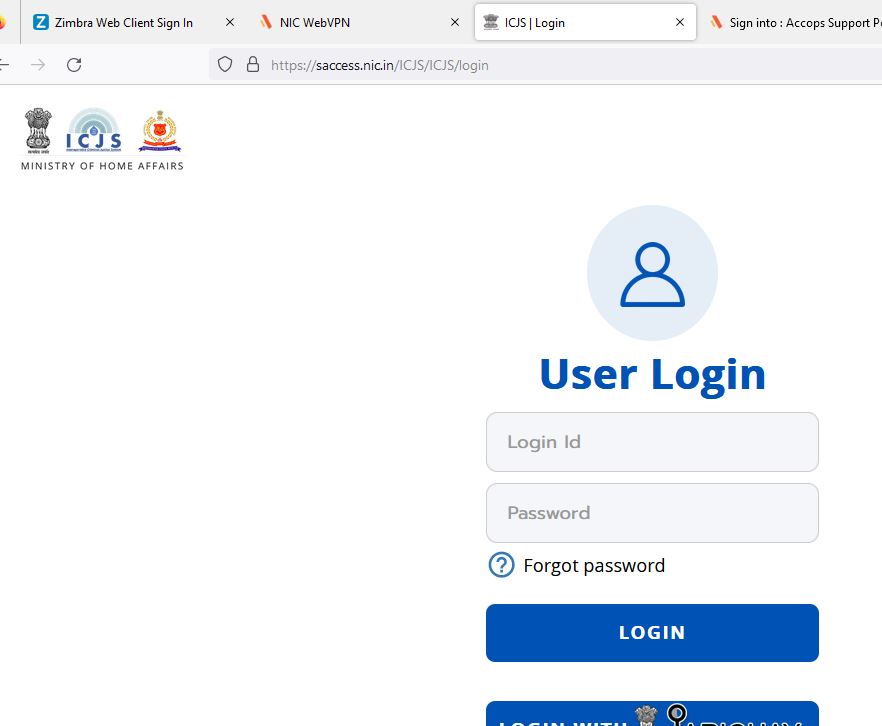
Click the ICJS.

Step:5-
Now the ICJS open in Broadband.

: cd /home/ciprus
: sh install_drs.sh
(Enter Police Station Location Code) :
(Enter Symmetric Port Code) :


